Reminders that arrive in time
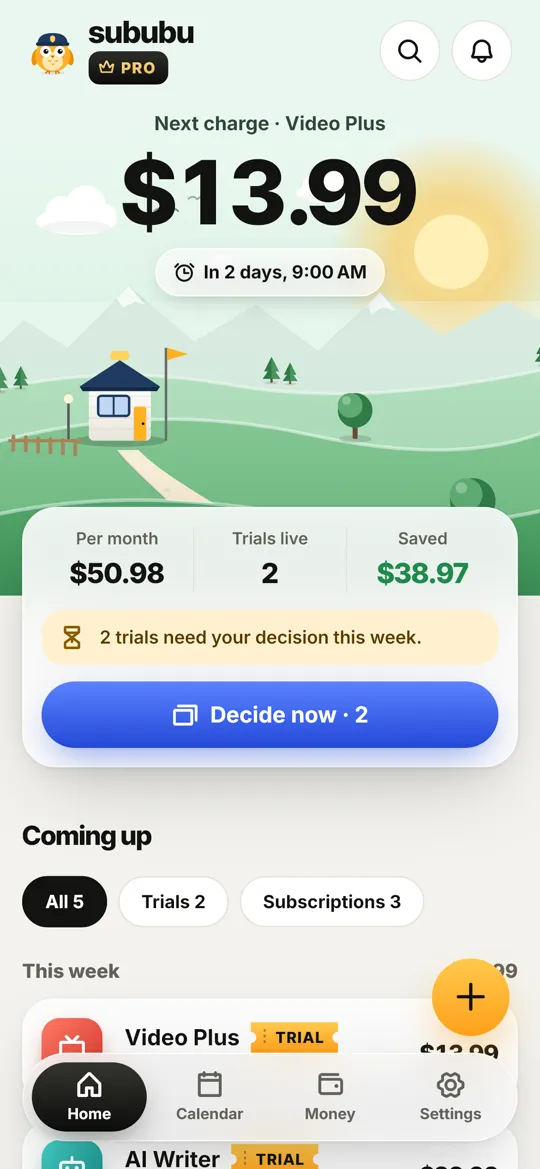
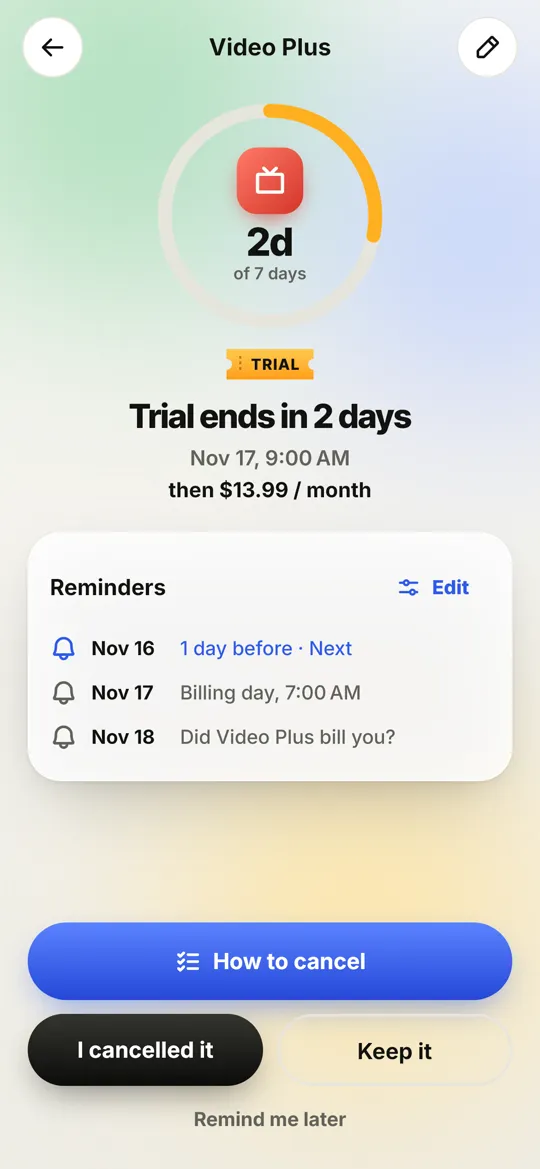
3 days before, 1 day before and on the morning a trial bills. A pinned reminder on billing day. Snooze never goes past billing time.
Free trial & subscription reminder
Free trials quietly turn into charges. Sububu is a friendly owl on guard duty: it warns you in time, shows you how to cancel, and helps you ask for a refund when one slips through.
Everything in one place
From the moment you start a trial to the day you decide, Sububu keeps watch so you don't have to.
3 days before, 1 day before and on the morning a trial bills. A pinned reminder on billing day. Snooze never goes past billing time.
Step-by-step cancel guides for 150+ popular services, and the right cancel page one tap away.
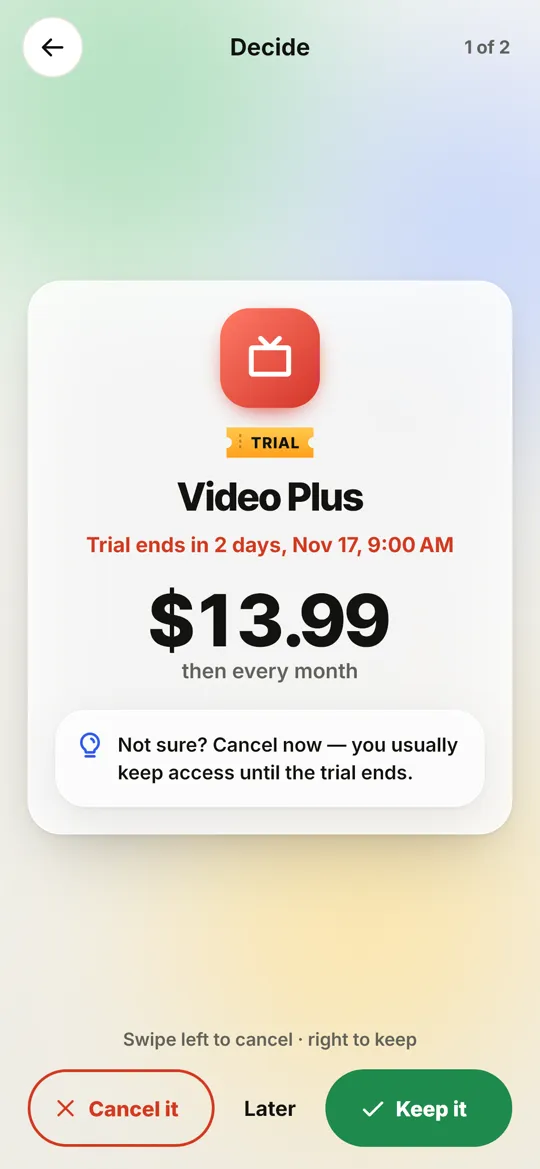
Swipe through the trials that end soon: cancel, keep, or decide later. Done in seconds, not someday.
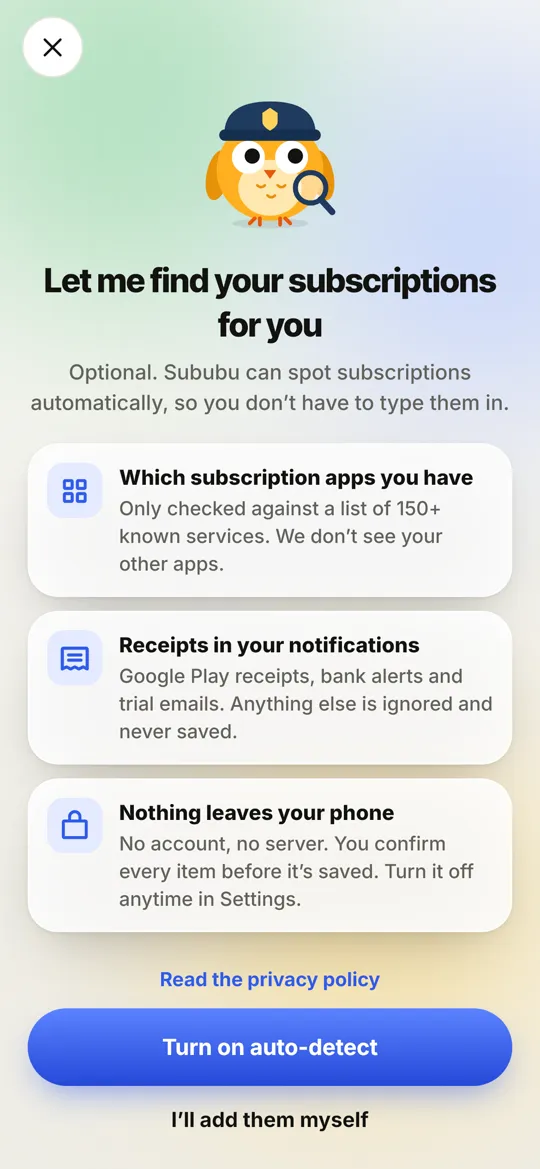
Optional on Android: spots subscription apps and receipts on your phone. You confirm every item. Nothing else is read or saved.
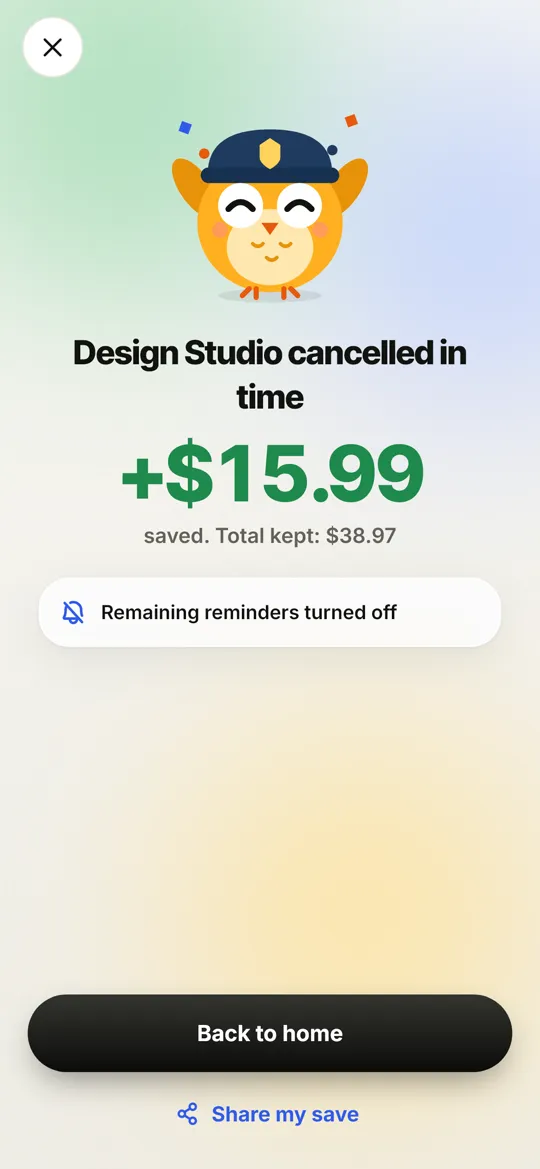
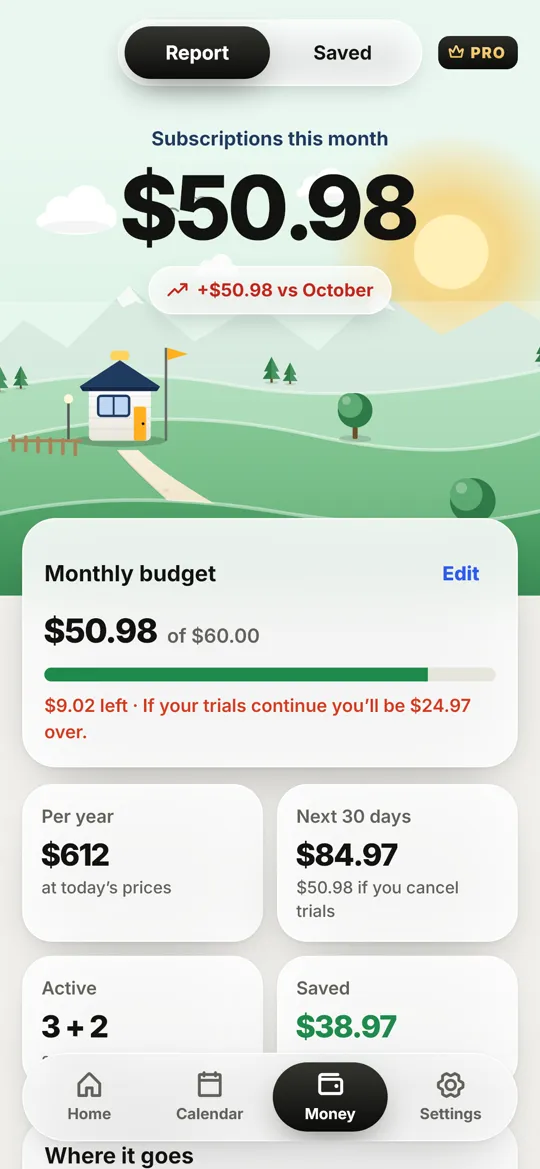
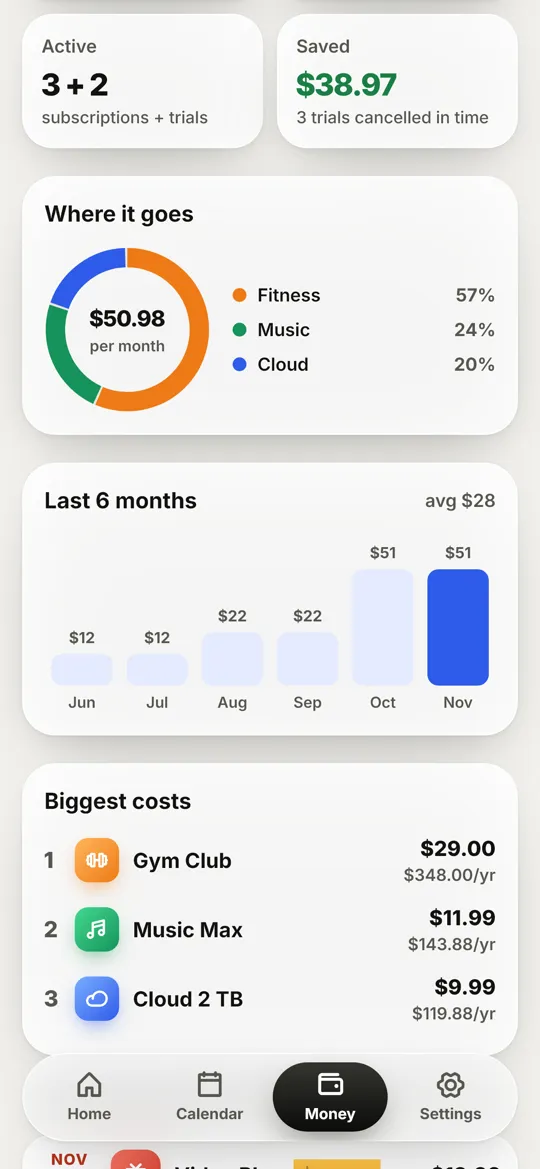
Per month, per year and the next 30 days. A savings jar counts every trial you cancelled in time.
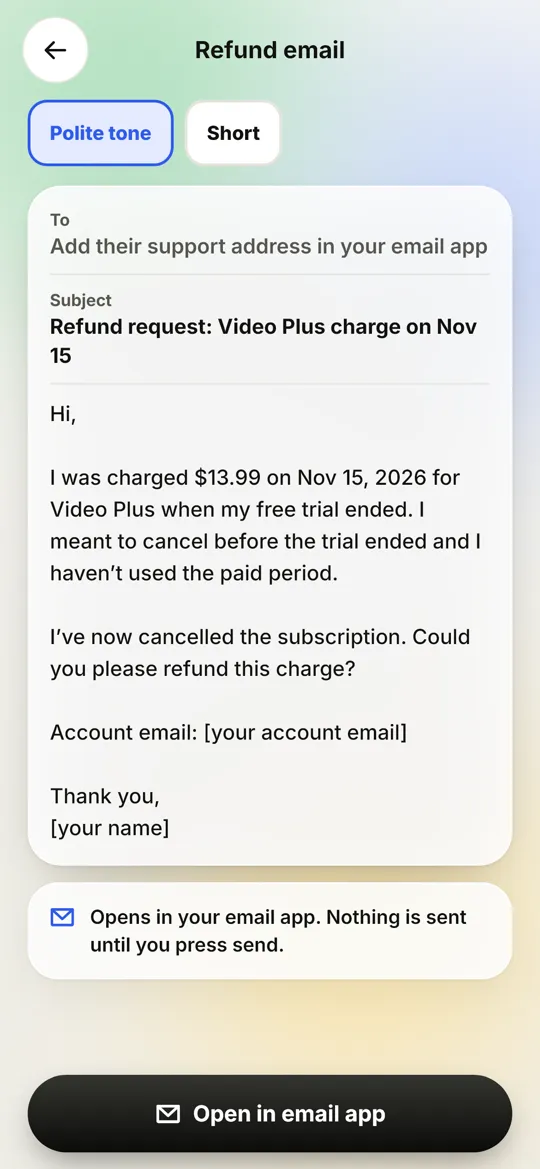
Shows whether to ask the store or the service, and writes a polite refund email in your own email app. You press send.
How it works
Pick the service, the day it bills and the price. Or let Sububu find it for you. Reminders are set right away, and they survive restarts, time-zone changes and updates.
When trials end soon, Sububu stacks them as cards. Swipe left to cancel, right to keep. If you cancel, the guide opens on the exact steps for that service.
 Saved $13.99 this month
Sububu tells you where to ask: Google Play, the App Store or the service itself. Then it drafts a polite refund email that opens in your own email app. You read it, you press send.
Whether you get a refund is up to the store or the service. Sububu never sends emails for you.
What you pay per month and per year, what's due in the next 30 days, which categories cost the most, and your 6-month trend. Plus how much you kept by cancelling on time.
Private by design
Make it yours
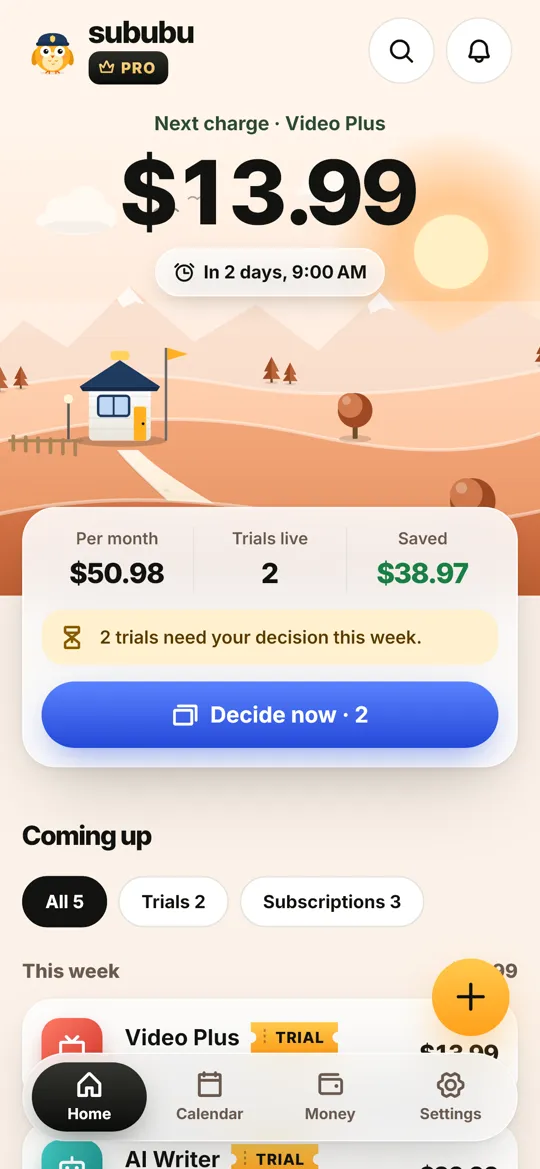
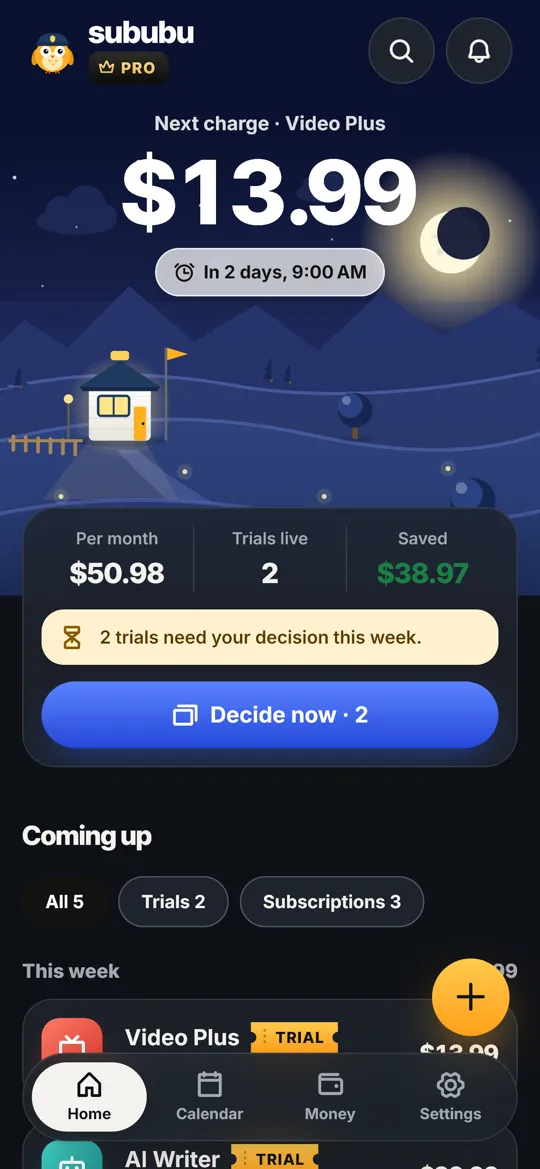
Daylight, Midnight Guard, Sunset Peach and more. Light or dark, every theme keeps text easy to read.
Pricing
No subscription to guard against a subscription. Pro is a single purchase.
$0
$3.99one-time purchase
Price shown in US dollars; Google Play shows your local price.
FAQ
Open the Play Store, tap your profile picture → Payments & subscriptions → Subscriptions, choose the subscription and tap Cancel subscription. Uninstalling the app does not cancel it. Sububu shows these steps, plus the cancel page for 150+ services, right when you need them.
Cancel before the trial ends; you usually keep access until the last day. Add the trial to Sububu when you start it and you'll be reminded 3 days before, 1 day before and on the morning it bills.
Check Payments & subscriptions in the Play Store and your bank or e-wallet app to see who charged you. Cancel it first so it doesn't happen again, then ask Google Play or the service for a refund. Sububu tells you where to ask and drafts the request.
No. Sububu reminds you in time and shows the exact steps to cancel in the service's own app or website. Only you can cancel, so you stay in control.
No. There's no sign-up and no server. Everything you add stays on your phone. You can back it up to a file yourself.
It's optional and Android-only. Sububu checks which known subscription apps are installed and looks for payment receipts in your notifications, on your phone only. Anything that isn't a receipt is ignored and never stored. You confirm every item before it's added and can turn it off anytime.
That's up to the store or the service. Sububu helps you ask the right place with a polite, ready-to-send email draft, and reminds you to follow up.
Yes. Reminders are rescheduled after a restart, a time-zone change and app updates. On some phones, battery savers can delay notifications; Sububu shows you how to allow them and lets you send a test reminder.
Android comes first. An iOS version is planned for later.
Sububu is coming to Google Play. iPhone later.
Questions or a service we should add? [email protected]